D-InCard-x-Seinxon-Wallet-Plus-Banner.webp__PID:4c88b449-66bf-42fc-a2a8-175e6bca75d8M-InCard-x-Seinxon-Wallet-Plus-Banner.webp__PID:88b44966-bf42-4c62-a817-5e6bca75d8a0
39a2f56bc63ed02609743b91681d5bcb.jpg__PID:3040c0ae-1746-422b-9c96-7f3982d4ca89M-InCard-Finder-Banner.webp__PID:f741e6eb-c161-4143-aa24-0c00416fba16
incard-banner 拷贝.webp__PID:a20b3a30-0c45-4be2-a122-e4a7b91f7808M-InCard-Finder-Banner.webp__PID:f741e6eb-c161-4143-aa24-0c00416fba16
9867ccdb-a55d-4a2b-8308-f7a2dd681f99.jpg__PID:6670a02a-6ccb-4d32-ad00-bd43d66fa1f1M-Seinxon-Tag-Banner.webp__PID:19db1853-5fbb-4cb9-beea-6201c0fa2df8
Seinxon-Precious-banner.webp__PID:69d0ad2e-dd1f-4fbc-a025-047ed8daa82dM-Seinxon-Precious-banner.webp__PID:4469d0ad-2edd-4f6f-bca0-25047ed8daa8
BANNER-VST-AI-CARD-0-D.webp__PID:f2dc6306-8c71-42d0-bcf4-47e4ba61e717BANNER-VST-AI-CARD-0-M.webp__PID:dc63068c-71d2-40fc-b447-e4ba61e71772
Seinxon-Enterprise-customization-desktop-banner.webp__PID:18535fbb-0cb9-4eea-a201-c0fa2df8b941M-Seinxon-Enterprise-customization-banner.webp__PID:b3b5d219-db18-435f-bb0c-b9beea6201c0

Seinxon Everywhere

A-hand-retrieving-a-Seinxon-card-tracker-with-a-blue-light-indicator-from-a-black-leather-wallet-showcasing-the-slim-design-perfect-for-everyday-carry
A-well-organized-work-desk-featuring-a-Seinxon-locator-card-with-FindMy-technology-placed-beside-a-sleek-laptop-a-notepad-paired-with-a-pen-a-crafted-latte-in-a-ceramic-cup,-and-other-tech-acces.webp__PID:118e0bca-e0e5-4618-bc14-87a75dccc121
A-black-Seinxon-tracker-with-a-white-house-shaped-logo-attached-to-a-black-fabric-bag-indicating-its-functionality-for-securing-personal-items
A-person's-hand-is-holding-a-brown-leather-wallet-that-contains-a-Seinxon-locator-card-with-FindMy-functionality-visible-from-the-top-slot-showcasing-the-card's-sleek-design
A-hand-holding-a-Seinxon-key-tracker-with-a-geometric-honeycomb-design-and-power-symbol-attached-to-a-blue-keyring.webp__PID:1d118e0b-cae0-4516-983c-1487a75dccc1
Hands-holding-a-teal-wallet-with-a-black-Seinxon-card-tracker-partially-inserted,-featuring-a-power-symbol

Hear What They Say

Blog

How to Enable and Set Up Google's Find My Device on Android

How to Enable and Set Up Google's Find My Device on Android

Google's Find My Device is an essential tool for locating lost or stolen Android devices. It allows you to track, lock, or erase your phone remotely. To ensure it works when you need it, follow these steps to enable and set up Find My Device on your Android smartphone.
Is Google's Find My Device Accurate? Understanding Its Limitations

Is Google's Find My Device Accurate? Understanding Its Limitations

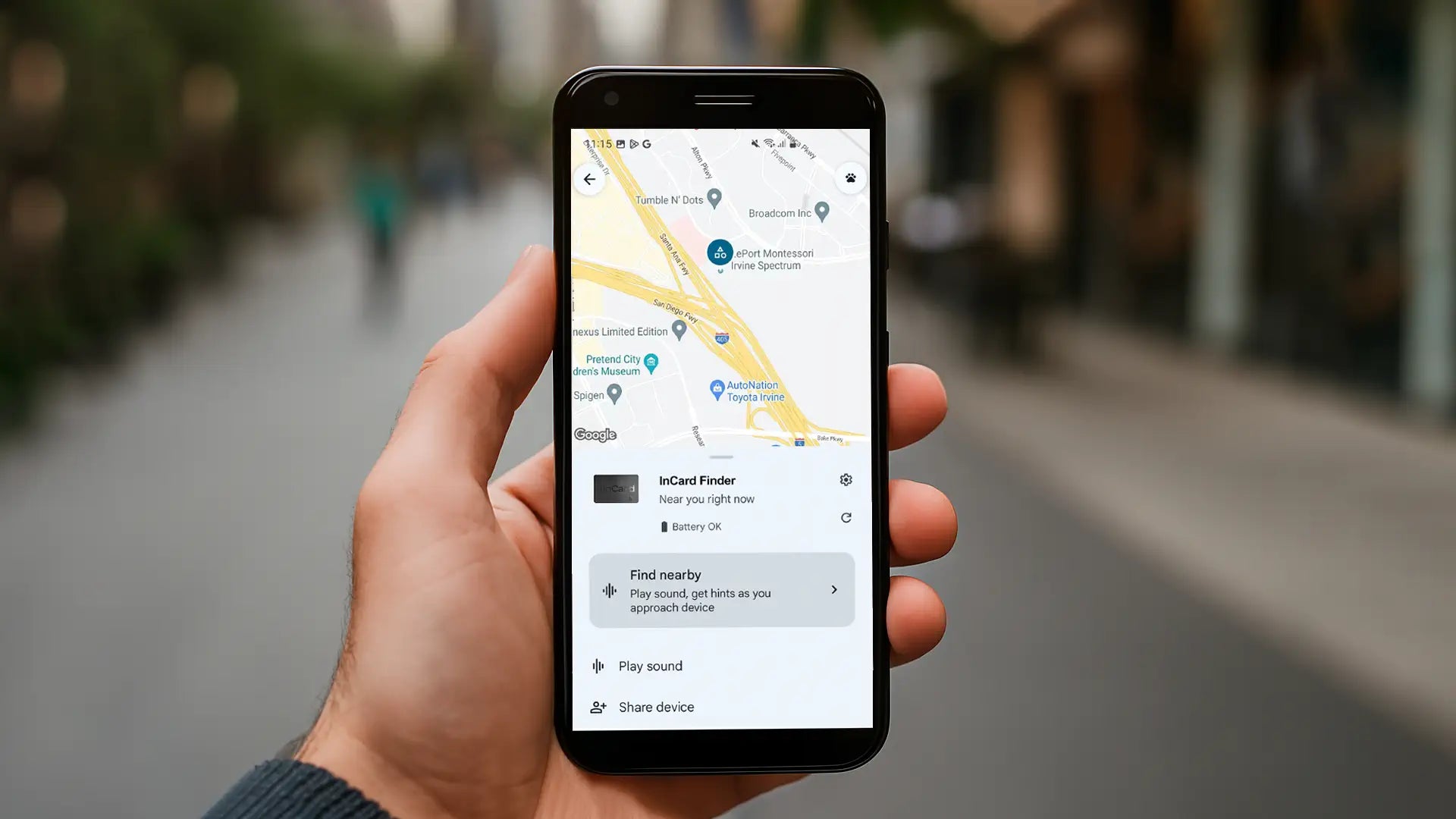
Google's Find My Device is a powerful tool that helps users locate lost or stolen Android devices. However, like any location-tracking service, its accuracy depends on various factors, including hardware capabilities, network conditions, and software settings. In this article, we’ll explore how accurate Google's Find My Device is and what limitations users should be aware of.
Google's Find My Device vs. Apple Find My vs. Samsung Find My Mobile: A Detailed Comparison

Google's Find My Device vs. Apple Find My vs. Samsung Find My Mobile: A Detailed Comparison

After Apple introduced AirTag, people realized how easily and reliably valuable items could be tracked over long periods. Google's and Samsung quickly followed by developing their own dedicated tracking network solutions. These systems help users locate lost or stolen devices and accessories, but each functions differently depending on platform, compatibility, and connectivity. In this article, we'll break down the characteristics of each Find My network, highlight their common features, explore their key differences, and provide a summary table for quick comparison.